Heroes Online World Guides
Walkthroughs for new heroes, villains, and returning grinders.
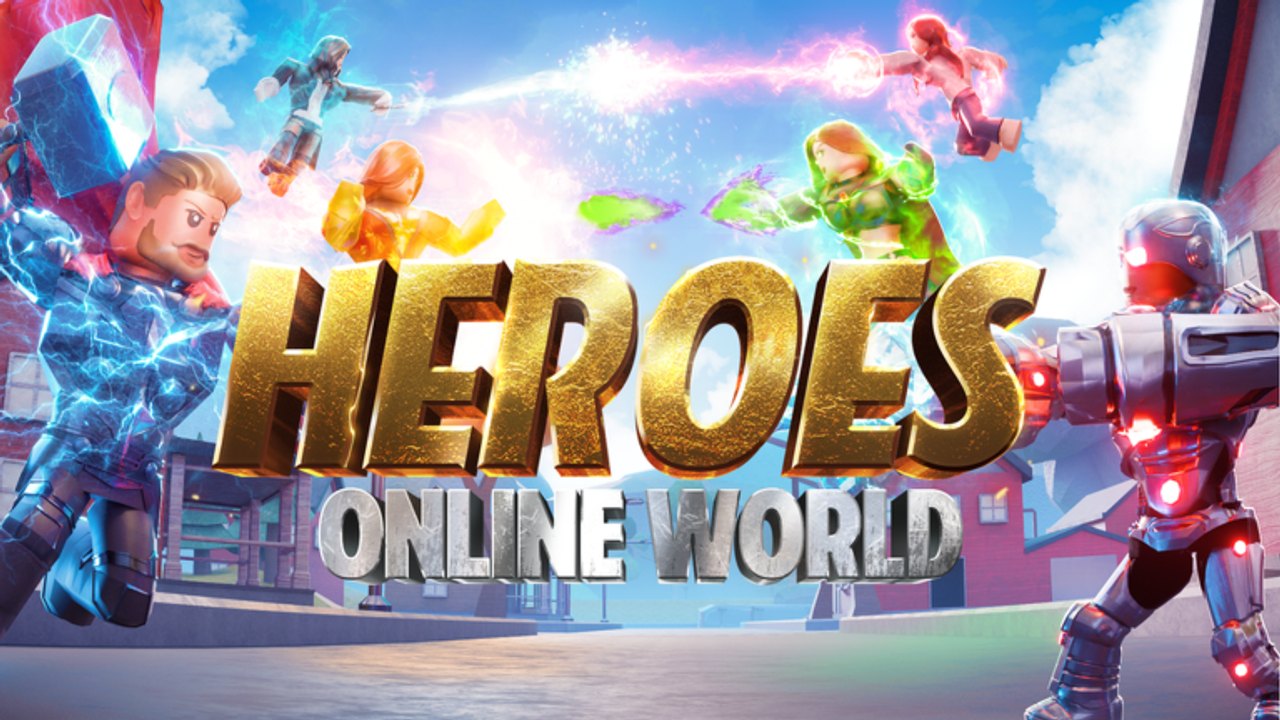
This Guides Hub is the map for learning Heroes: Online World on Roblox without wasting your first hours. Whether you plan to play as a HERO or lean into the VILLAIN fantasy, the loop is the same: master combat powers, earn Coins, unlock characters and skins, loot chests, finish quests, and survive open-world PvP in 25-player servers.
Start with Getting Started if this is your first session. Come back here whenever a patch changes HUD details or when you need a specialized farm route—or when you are ready to sharpen fight chains with the PvP Combos Guide.
Featured guide paths
Beginner onboarding
- Getting Started — first join checklist, goals for hour one, and what to unlock next
- Controls — PC and mobile tips plus the
$fixunstuck command
Economy and world systems
- How to Farm Coins — combat, quests, chests, and codes combined into one plan
- Chests & Quests — spawn cadence (~20 minutes for chests) and quest habits
Open-world combat
- PvP Combos Guide — third-party awareness, combo mindset, and community-reported patterns for popular kits (Zatanna, Mom Wanda, Spider-Man, Agatha, Wednesday, Stormy, Dark Phoenix, Raven, and more)
Power progression (off-hub but essential)
- Codes Hub and How to Redeem Codes
- Tier List Hub and Gamepass Tier
- Players Hub, Character Roster, plus deep dives like Zatanna and Eleven & Stormy
- Updates including Grand Patch
How to use these guides together
- Join the experience and finish any tutorial prompts.
- Redeem every active code from the Codes Hub.
- Skim Controls so you are not fighting the UI.
- Run a clean Coin plan from How to Farm Coins.
- Spend on a meta-leaning kit using the Tier List.
- Practice fight chains with PvP Combos before contesting mid-map chests.
- Recheck Updates weekly so your habits match the live build.
What Heroes Online World expects from you
The game is an open-world superhero PvP action title by HEROES: Unlimited (released 2025-03-16 on Roblox). Platforms include PC, mobile, and tablet. You will fight with special powers, contest loot, and choose a heroic or villainous vibe while chasing Cosmetics and stronger kits. Guides on this wiki stay practical: fewer lore essays, more “what do I press and what do I buy.”
Scripts are not required
Search results may push autofarm or ESP tools. Those are optional, risky, and covered only under Scripts with ban warnings. Everything linked from this Guides Hub assumes legitimate play.
Keeping guides accurate
Weekly updates and monthly character drops can obsolete a tip. If a menu moved, trust the live client and send yourself back through Getting Started after big patches like the Grand Patch. Coin codes especially need frequent verification—always confirm in-game.
Browse all guide articles
Explore adjacent hubs for codes, tiers, players, scripts, and patch notes. This Guides Hub exists so you never have to guess the next step in Heroes: Online World.
Frequently Asked Questions
Quick answers to the most common Heroes Online World questions.
Which guide should I read first?
Getting Started, then redeem codes, then How to Farm Coins. Add Controls if you play on mobile or get stuck, then PvP Combos once you have a main.
Do these guides work on mobile?
Yes. Heroes Online World supports PC, mobile, and tablet. The Controls page calls out touch-specific tips.
Where are codes explained?
On the Codes Hub and How to Redeem Codes pages linked from this hub.
Are scripts covered in Guides?
No. Risky third-party tools live under the Scripts Hub with safety warnings.
Where do I learn combo patterns?
Open the PvP Combos Guide for open-world fight tips and community-reported kit examples, then cross-check character pages under Players.