Getting Started in Heroes Online World
Your first session checklist for Roblox’s open-world superhero PvP.
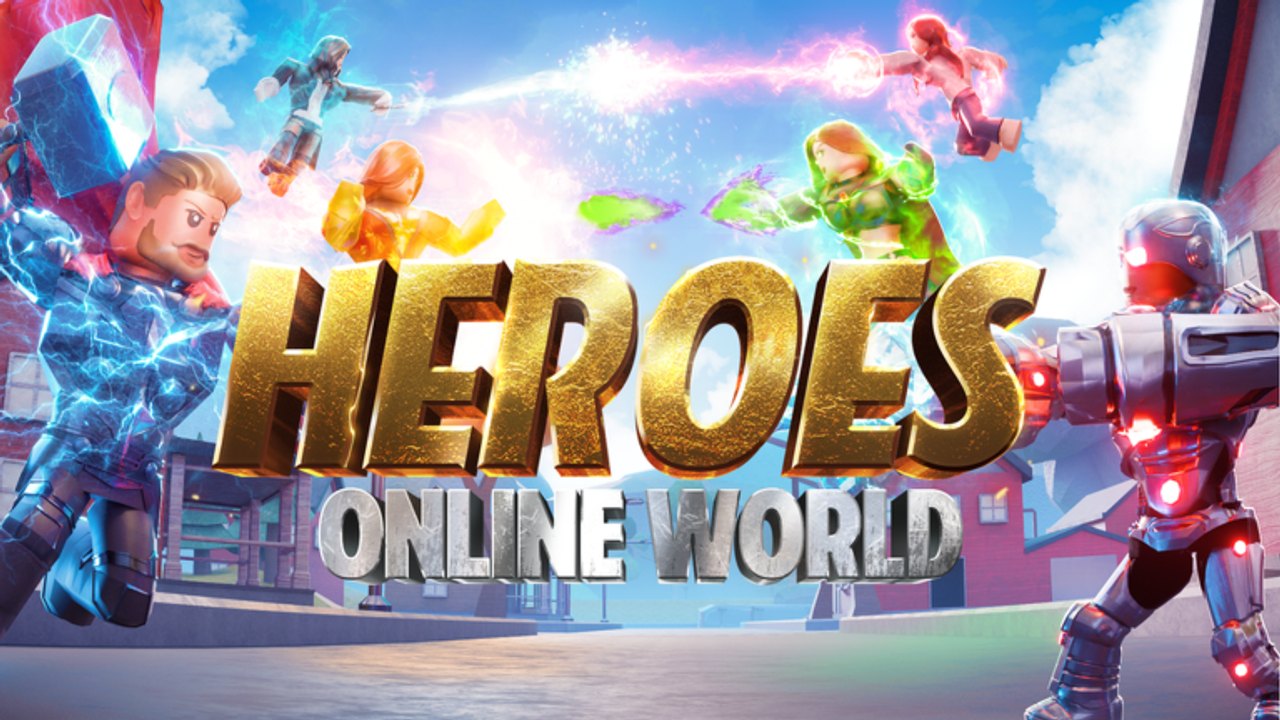
Heroes: Online World drops you into a Roblox open-world superhero sandbox where every server is a mix of allies, rivals, loot timers, and flashy powers. This beginner guide covers what to do in your first hour so you stop feeling lost and start stacking Coins toward real unlocks. Platforms include PC, mobile, and tablet; servers hold about 25 players.
If you only bookmark one page today, make it this one—then keep Codes, Tier List, and How to Farm Coins handy.
Minute 0–10: load in cleanly
- Launch the official experience (Heroes: Online World by HEROES: Unlimited).
- Allow the HUD and map assets to finish streaming before sprinting into mid-map fights.
- Open settings and confirm your graphics and control scheme (touch vs keyboard). Details live on Controls.
- Note the gift box icon bottom-left—you will use it immediately for codes.
- If you spawn stuck in collision, type
$fixin chat, then continue.
Minute 10–20: claim free Coins
Promo codes are the fastest early spike. Follow How to Redeem Codes:
- Tap the gift box.
- Paste case-sensitive codes from the Codes Hub (
DYNAMIC,DYNAMIC2,6KCOINS,NEWMAP2,10MVISITS—verify in-game). - Confirm with the green tick.
- Ignore expired examples like
GETAFREECHARACTERorDRAGON.
Bank those Coins. Do not impulse-buy five mediocre skins before reading the Tier List Hub.
Minute 20–40: learn the core loop
Heroes Online World progression is built around:
- Fight with special powers in open-world PvP
- Earn Coins from combat, objectives, and pickups
- Unlock characters and skins in the shop/roster flow
- Find chests that players report roughly every 20 minutes
- Complete quests for structured rewards
- Choose your fantasy: HERO or VILLAIN themed play
Practice movement and one basic combo in a quieter corner before diving into stacked rooftop wars. Dying repeatedly teaches less than two clean wins.
Minute 40–60: first meaningful unlock
Open the character roster mindset: Coins buy access to comic/TV-inspired kits—Scarlet Witch, Zatanna, Raven, Iron Man, Spider-Man, and many more skins and variants. Community rankings often favor control/magic kits (Zatanna, Mom Wanda, Raven territory) over some lower-rated metahuman options. Pick one strong target from the Tier List that matches whether you enjoy ranged lockdown or brawler pace.
If a premium/gamepass kit tempts you, read Gamepass Tier before spending Robux.
Chests and quests on day one
You do not need perfect routes yet. Skim Chests & Quests and:
- Loot any chest you see; note the time for a ~20 minute mental reminder
- Accept simple quests and finish them between fights
- Avoid AFK lingering on chest spots if a squad is hunting farmers
Combine that with the fuller plan on How to Farm Coins.
HERO vs VILLAIN without overthinking
Alignment is fantasy and vibe as much as faction homework. Pick the aesthetic you will actually main. Power rankings matter more than the label on the skin. The Players Hub expands on roster fantasy if you want flavor before mechanics.
Mobile vs PC beginners
Mobile / tablet: Reduce clutter, learn ability button positions, and avoid the densest 10-player piles until you can aim under pressure. Autocorrect can break code entry—paste carefully.
PC: Keybinds and mouse tracking make some projectile kits easier. Still learn when to leave a fight; third parties are constant.
Shared tip: performance dips hide the gift box or quest markers—rejoin if the UI fails to appear.
What not to do in hour one
- Do not install random scripts on your main account
- Do not spend every Coin on low-tier cosmetics
- Do not ignore codes because “I will do them later”
- Do not tunnel a 1v3 for pride when you could reset and keep streak Coins
Hour two and beyond
- Recheck Updates so you know if a weekly patch changed spawns.
- Watch ranking context via tier pages (and videos where embedded).
- Build a chest alarm habit from Chests & Quests.
- Expand from one main to a small pocket of counters.
- Return to this Getting Started guide only after major patches like the Grand Patch if the onboarding UI shifts.
Quick reference links
- Codes Hub · How to Redeem
- Controls · Farm Coins · Chests & Quests
- Tier List · Gamepass Tier
- Players · Roster
- Guides Hub · Wiki overview
Survive the first hour with structure and Heroes: Online World stops feeling chaotic—it starts feeling like a Coin plan with superpowers attached.
Frequently Asked Questions
Quick answers to the most common Heroes Online World questions.
Is Heroes Online World free on Roblox?
Yes, you can join free. Optional gamepasses and Cosmetics may cost Robux; Coins from gameplay and codes unlock many characters and skins.
What should I unlock first?
Redeem codes, then buy one strong kit aligned with the Tier List instead of many weak cosmetics.
How big are servers?
Community and place info point to about 25 players per server—expect third parties often.
What is $fix?
A community-noted chat command to unstuck your character. See the Controls guide for details.
Do I need scripts to progress?
No. Codes, chests, quests, and combat are enough. Scripts risk bans—see the Scripts Hub if you are only researching.
HERO or VILLAIN—which is better?
Neither is automatically stronger. Choose the fantasy you enjoy, then optimize with tier-aware unlocks.