Heroes Online World Updates
Weekly patches, monthly roster drops, and what to recheck after each update.
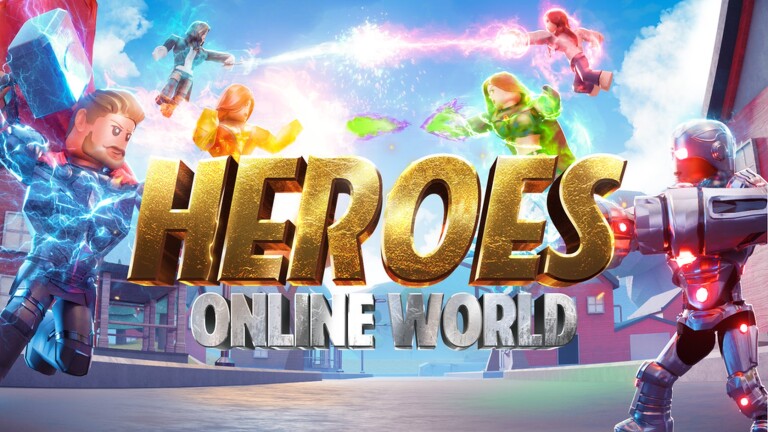
Stay current with Heroes: Online World through this Updates Hub. The experience ships on a fast Roblox cadence—weekly updates are common, with new characters and skins often arriving on a monthly rhythm. Each patch can move chest routes, shop prices, ability balance, and promo codes.
Deep feature write-ups after large bundles live on Grand Patch (includes overview video). Use this hub as the checklist of what to re-verify every time the experience versions up.
Why updates matter for grinders
Heroes Online World progression depends on Coins, unlocks, and open-world PvP strength. A patch can:
- Add map spaces and fresh chest logic
- Introduce characters that redefine the Tier List
- Disable old codes and ship new ones (
NEWMAP2-style promos) - Adjust ability tuning for favorites like magic/control kits or metahumans
- Break third-party scripts overnight (a feature, if you play clean)
Ignore updates and you will spend Coins on yesterday’s mid-tier skin.
Post-update checklist
- Rejoin a fresh server so you are not on a stale place version.
- Open the gift box and test codes from the Codes Hub.
- Skim shop/roster for new entries (Character Roster).
- Take one low-stakes fight to feel latency and kit changes (Controls).
- Recheck chest timing assumptions on Chests & Quests.
- Revisit Tier List and Gamepass Tier if creators post new rankings.
- Only then commit a big Coin spend.
Weekly vs monthly expectations
Weekly: QoL, small content, balance, events, occasional codes.
Monthly: Flashier character/skin drops that shift mains and thumbnail culture.
Major / “Grand” style patches: Broader systems—watch the Grand Patch page and video when those land.
Release context: the game launched 2025-03-16 and has grown into millions of visits. Expect the live ops tempo of a popular Roblox action title, not a static single campaign.
Codes and patch days
Visit milestones (for example 10M visits style codes) and map launches often coincide with update marketing. Keep How to Redeem Codes bookmarked. Expired strings from older events (GETAFREECHARACTER, HAPPYVALENTINES3000, DRAGON, etc.) illustrate how quickly promos rotate.
Balance and your main
If your S-tier pick feels weaker after a Tuesday patch, it might be real. Test before rage-selling the account fantasy. Maintain a secondary kit as advised on the Players Hub. Mobile players should re-check button layouts when UI scales change.
Scripts after patches
Autofarm and ESP loaders frequently error until authors update (Autofarm, ESP / PvP). Patch day is a terrible time to paste unknown loadstrings into a main account. Legitimate coin farms keep working.
How this wiki handles notes
We summarize durable systems and link specific deep dives like Grand Patch. For minute-by-minute hotfix text, always prioritize the official Roblox experience description and developer communications. This fan wiki is a guide layer, not the patch server.
Related hubs
Make “check Updates” part of every login ritual and Heroes: Online World rewards you with fewer wasted Coins and fewer surprises mid-fight.
Frequently Asked Questions
Quick answers to the most common Heroes Online World questions.
How often does Heroes Online World update?
Weekly updates are common, with new characters and skins often arriving monthly. Major patches get separate notes.
What should I do after an update?
Rejoin, retest codes, check new roster entries, feel combat changes, then spend Coins.
Where are Grand Patch details?
On the Grand Patch page in this hub, including an overview video.
Do updates break scripts?
Often yes. That is another reason this wiki recommends legitimate farms and codes.